
Getting Started
Overview
The Audio Player by bPlugins app provides Shopify store owners with a simple and effective way to embed and manage audio content across their online store. With this app, you can enhance your store’s experience by adding product sound previews, podcasts, background music, voice messages, or any other audio clips directly to your product pages, blogs, or custom sections.
Video Tutorial
How to Install
Follow the steps below to install and configure the Video Player app:
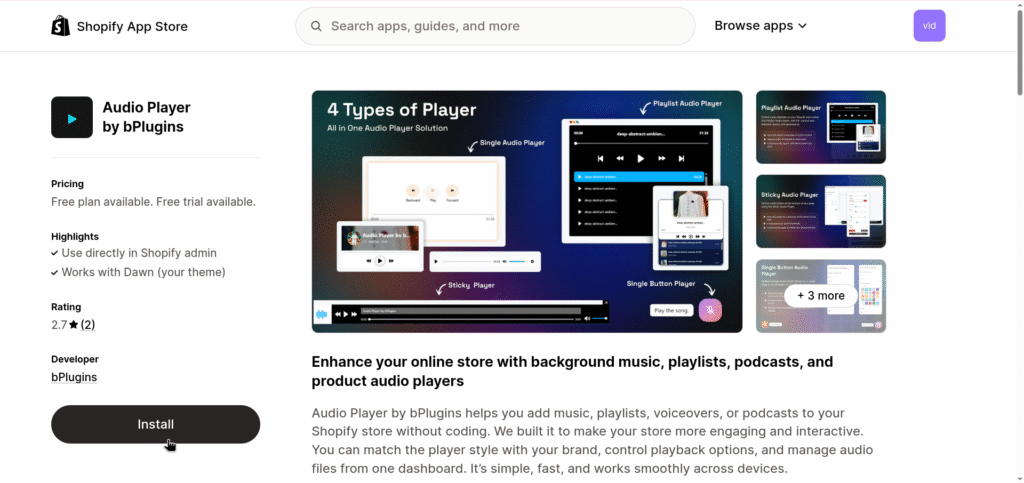
- Visit the Audio Player app page on Shopify.
- Click “Install” to install it on your store.
- Once installed, navigate to the app settings in your Shopify admin panel.
- Follow the setup instructions to configure the app on your product pages, blogs, or custom pages.
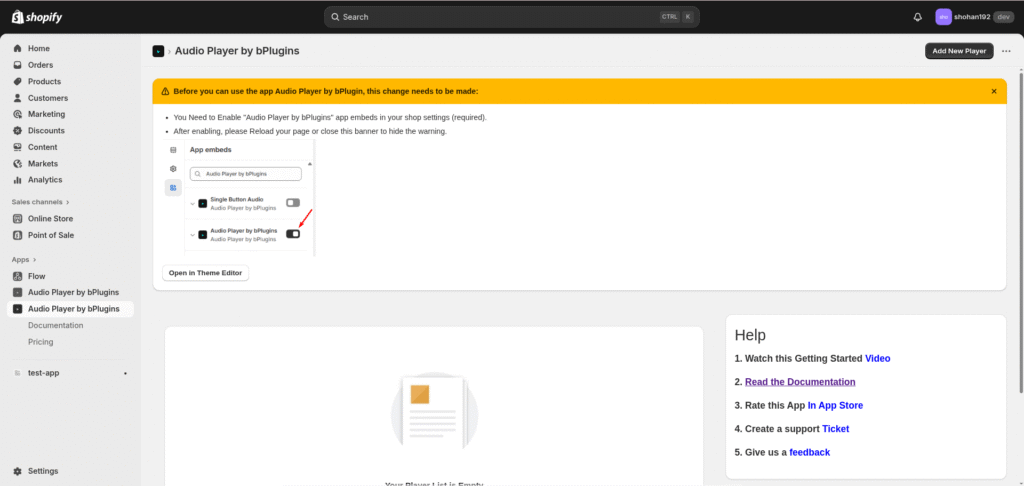
After Install Most Important
Click on “Enable App embed” and Enable the “Video Player by bPlugins” app in your shop settings and save.
Features
- Easy Audio embedding on any page.
- You can Embed Audio with Multiple Way.
- Mobile-responsive design for better user experience.
- Customizable player size, theme, and controls.
Was this page helpful?