 Video Player by bPlugins
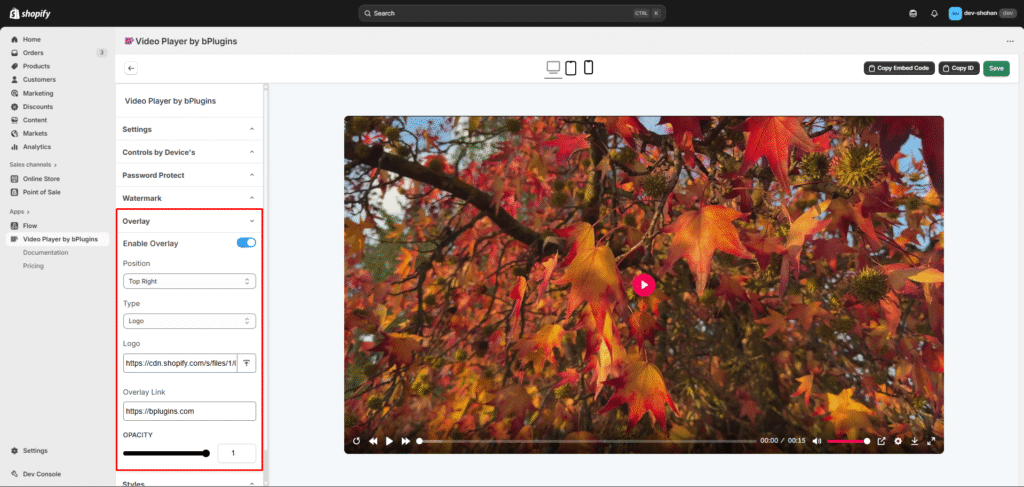
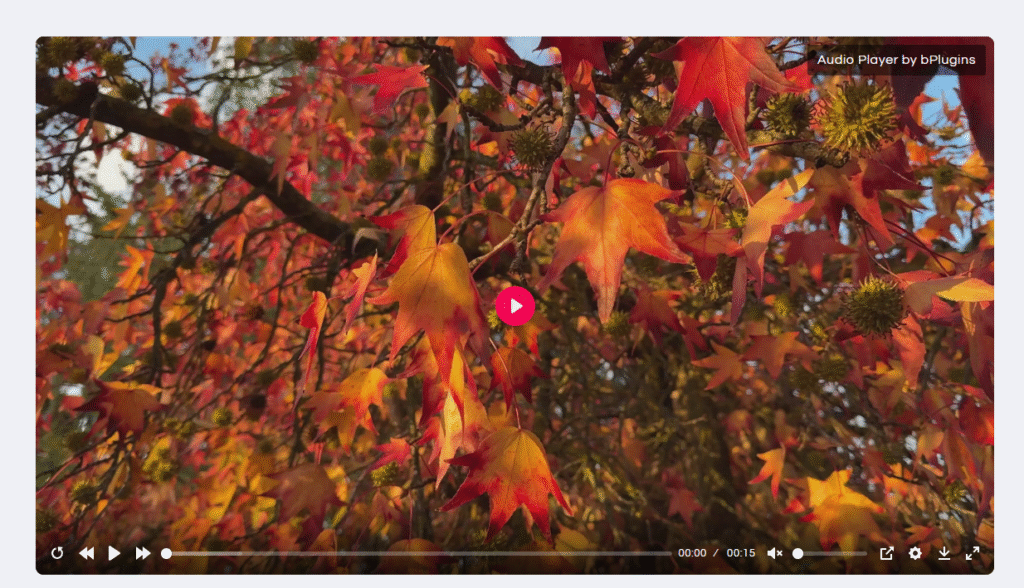
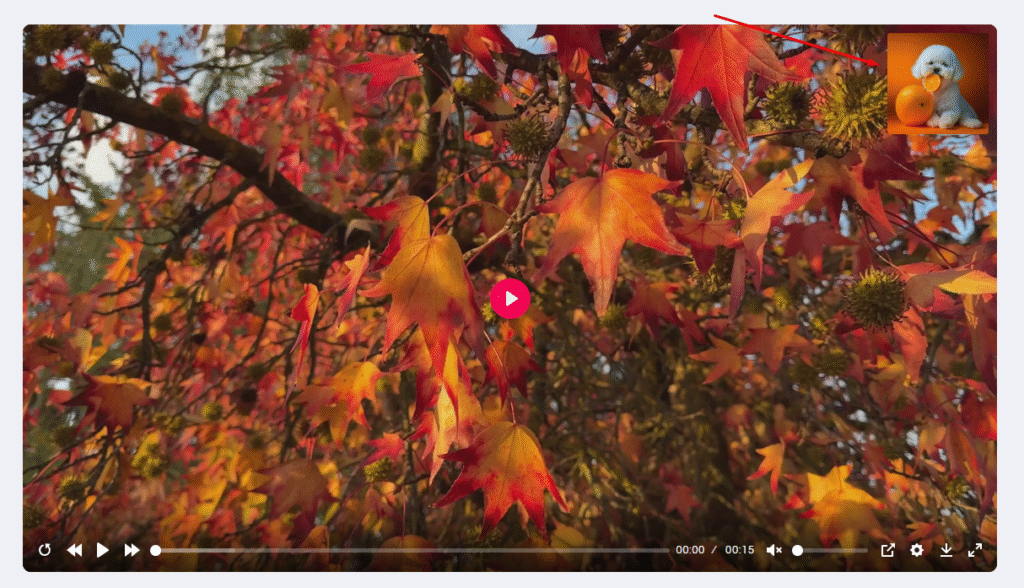
 You can display an overlay on your video, such as a logo or custom text.
Opacity/visibility level
Enable Overlay
Turn on the overlay option from the settings.
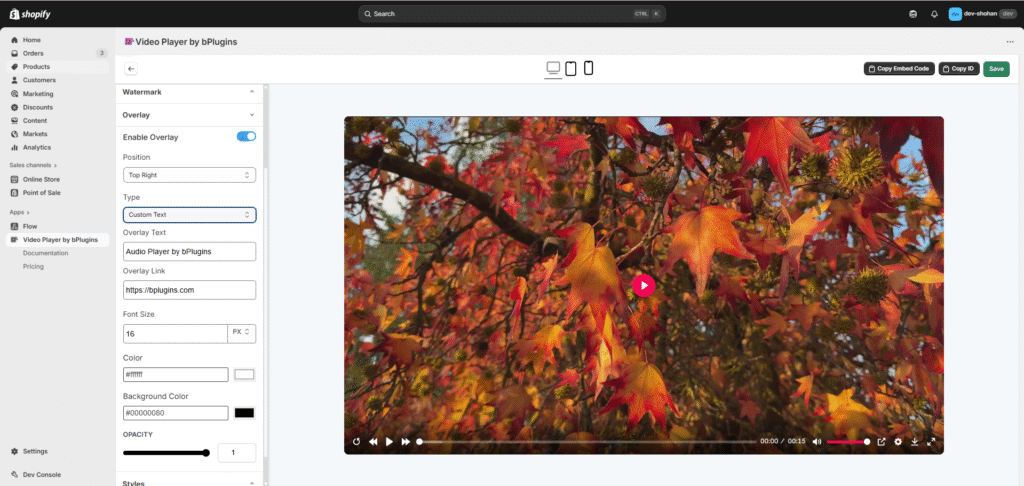
Choose Overlay Type
Select either an Logo or Custom Text to display on the video.
Choose Position
Place the overlay in any corner of the video—top-left, top-right.
Make It Clickable
Add a link to make the logo or text clickable.
Customize Appearance
Text color
background color