
How to Install
Follow the steps below to install and configure the Video Player app:
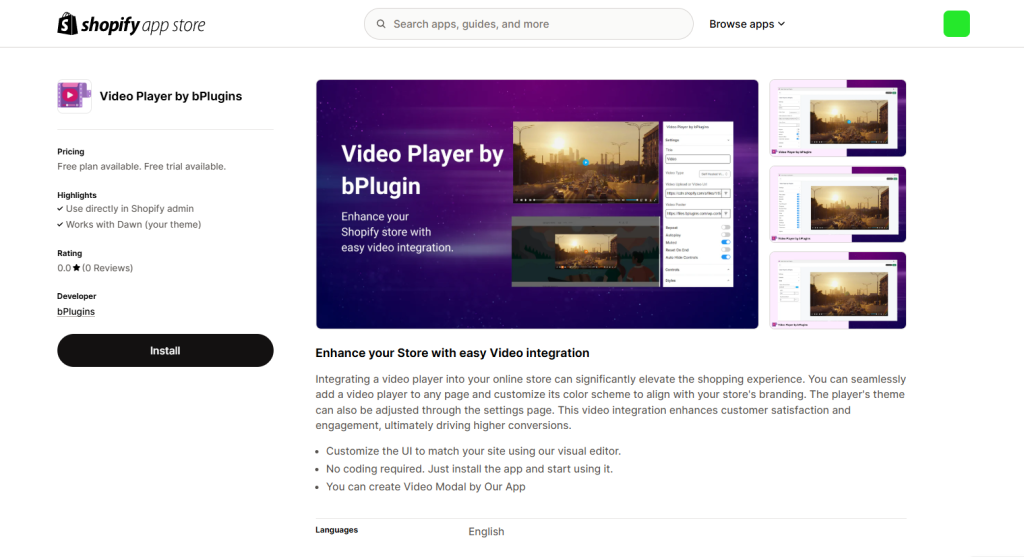
- Visit the Video Player app page on Shopify.
- Click “Add app” to install it on your store.
- Once installed, navigate to the app settings in your Shopify admin panel.
- Follow the setup instructions to configure the app on your product pages, blogs, or custom pages.
Was this page helpful?