
Multiple / Grid Video Player
How to Add Video
1. Click on “Add New Player”
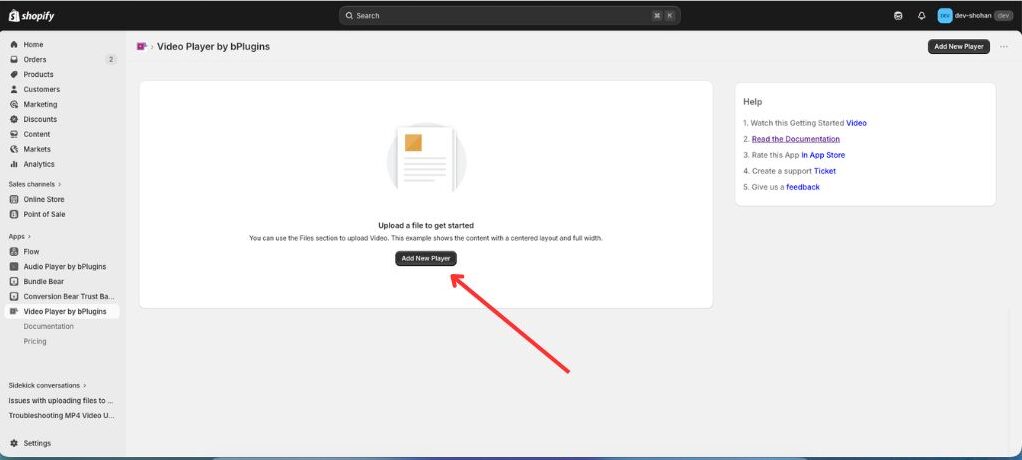
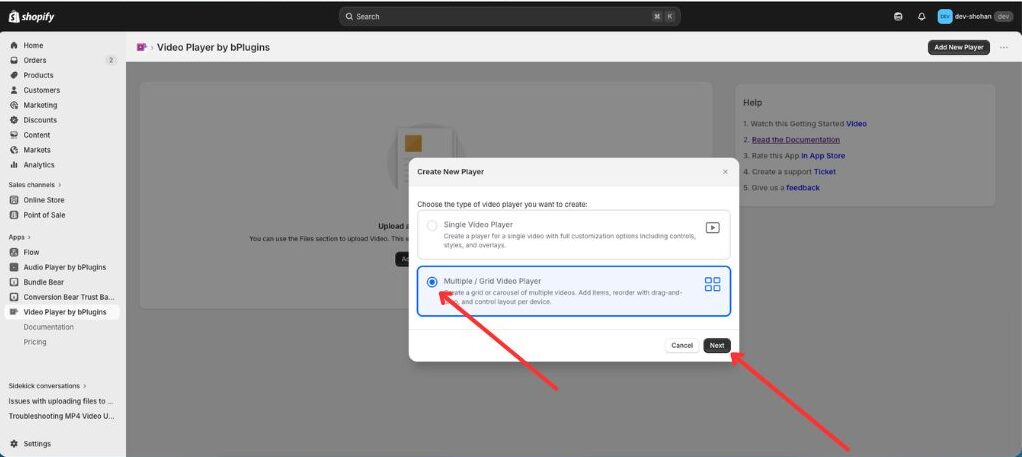
2. Click the marked point to select Player type “Sigle Video Player”.
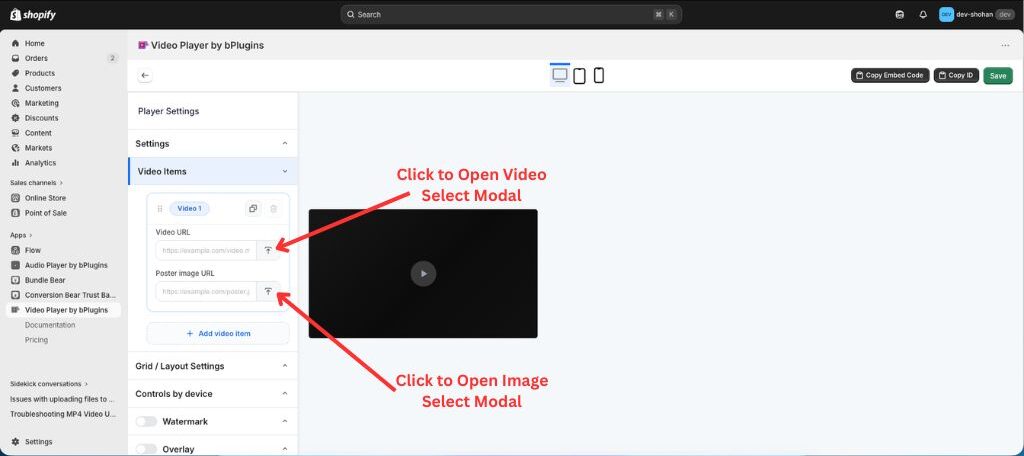
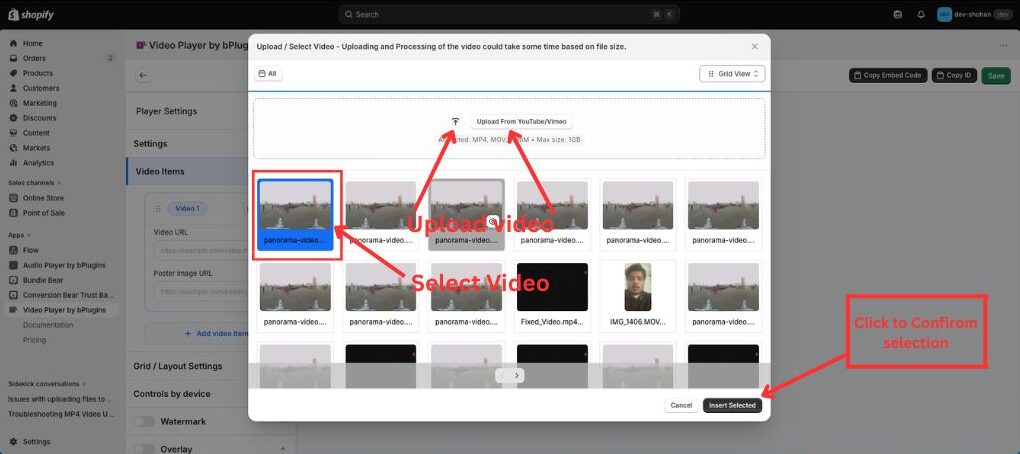
3. Click on Upload Button and Select/Upload the Image/video or past image/video url on the input.
4. After uploading the video/image, click “Insert selected” to proceed to the next step.
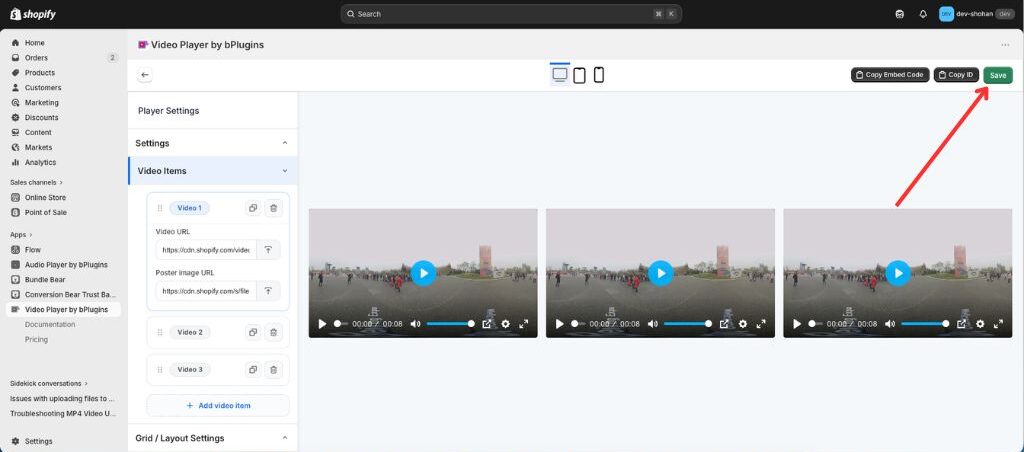
5. If all information is updated, click on “Save” and Save all updated information/data.
Was this page helpful?