 Video Player by bPlugins
 Password Protection
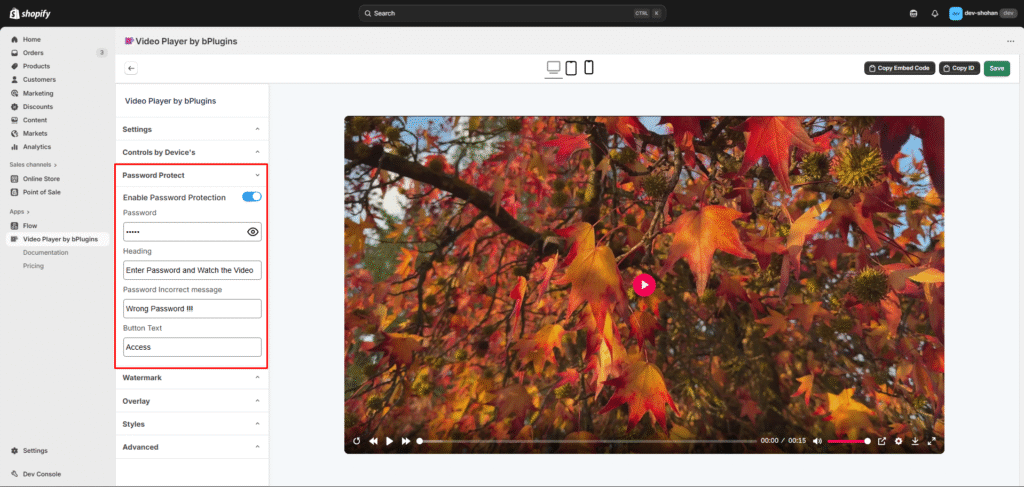
You can restrict access to your video by enabling password protection.
Enable “Password Protected”
Turn on the Password Protected option in the Edit page.
Set Your Password
Enter the password you want viewers to use before they can watch the video.
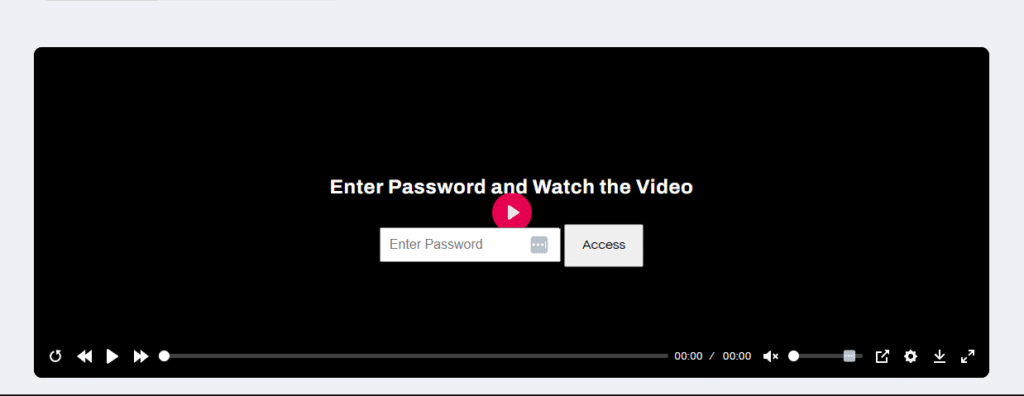
Once saved, anyone trying to view the video will be asked to enter the correct password.