 Video Player by bPlugins
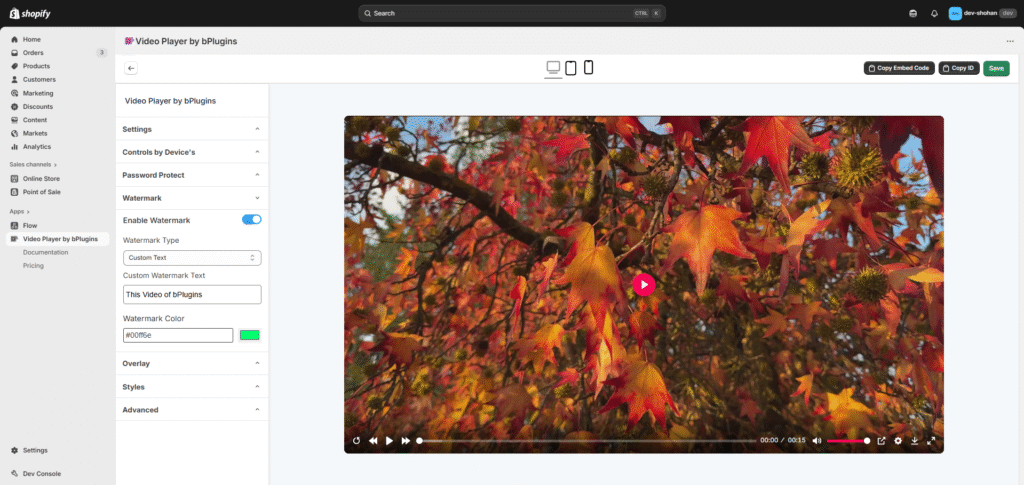
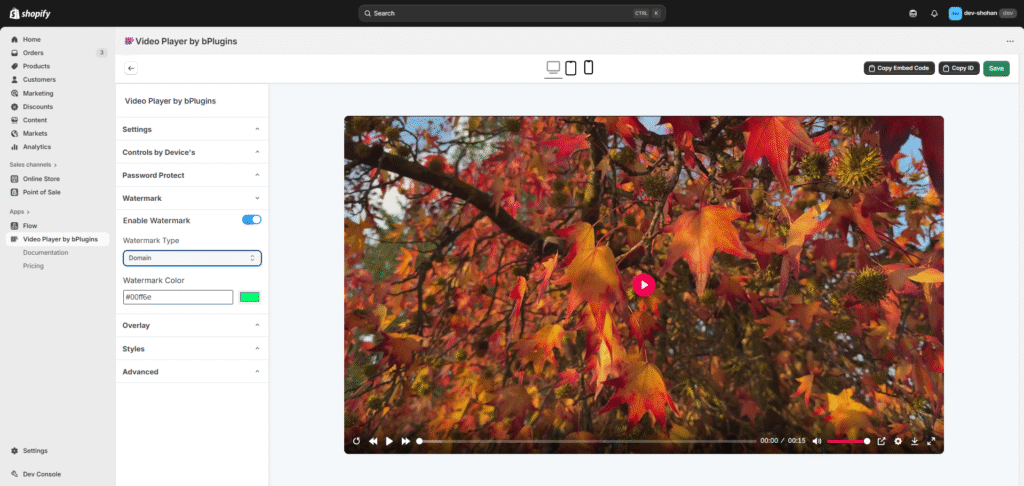
 You can add a watermark to your video to help protect your content.
- Customize Appearance
Choose your preferred text color.
The watermark will automatically move across the video to prevent removal. - Enable “Enable Watermark”
Turn on the watermark option in the settings. - Choose Watermark Type
Select either Domain (your store domain) or Custom Text as the watermark content.